
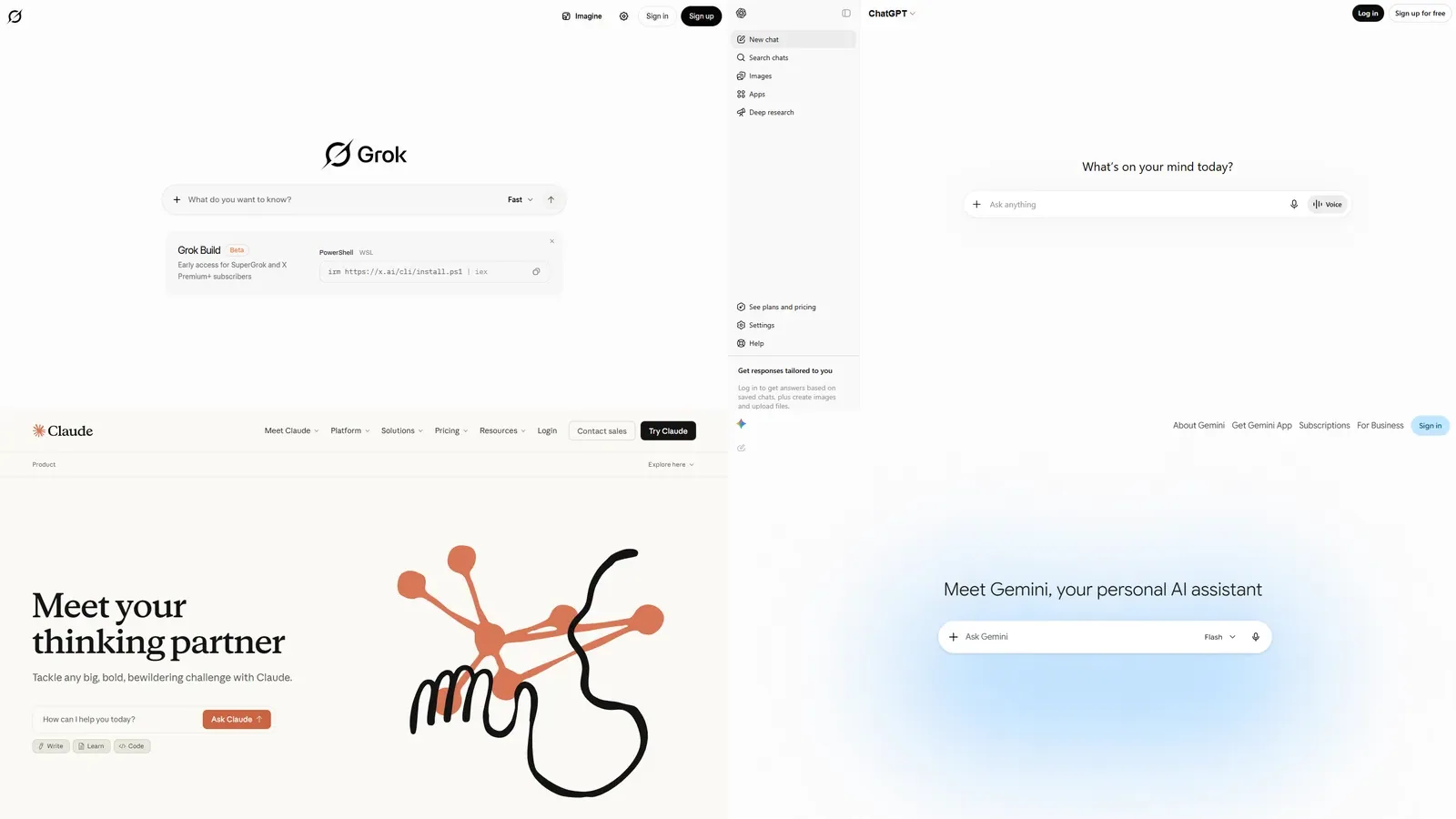
There is no single winner. Compare Grok, ChatGPT, Claude, and Gemini by running your own task set, checking official vendor docs, and weighting the categories that matter for your workflow.
Grok, ChatGPT, Claude, and Gemini are moving targets. A fair comparison is not a single verdict. It is a repeatable way to test the jobs you actually need an AI tool to do.
As of June 29, 2026, the official source set for a fair comparison starts with xAI model docs, OpenAI model docs, Anthropic's Claude model overview, Google's Gemini model docs, and neutral leaderboards such as LMArena.
Quick comparison framework
| Question | Why it matters | Source to check |
|---|---|---|
| Do you need X context? | Grok has a strong association with X workflows. | X Help and xAI docs |
| Do you need developer API access? | Models and rates differ from consumer apps. | Vendor model docs |
| Do you need long document work? | Context limits and file handling vary. | Vendor docs and hands-on tests |
| Do you need multimodal work? | Image, voice, video, and app features change quickly. | App listings and product docs |
| Do you care about neutral leaderboards? | Leaderboards help, but should not replace your own tasks. | LMArena and similar sources |
Comparison methodology
A strong comparison has four layers.
First, check official model pages. This tells you which models and product surfaces each vendor currently describes.
Second, check neutral or community benchmarks when they are relevant. Benchmarks can help identify broad performance patterns, but they do not tell you how a tool handles your private workflow.
Third, run a task set that matches your actual use. A writer, developer, student, creator, and team buyer should not use the same scorecard.
Fourth, compare total cost and trust. A tool that writes slightly better but costs more, handles sources worse, or does not fit your privacy needs may not be the right choice.
This methodology is deliberately slower than a simple winner list. It produces a better buying decision because it asks what the tool must do for you.
Where Grok is easiest to justify
Grok is easiest to justify if you already care about X, real-time discussion, xAI's model direction, or the Grok product experience. It can be especially interesting for readers who want one AI assistant tied to xAI's ecosystem rather than a general productivity suite.
That does not mean Grok wins every category. It means the value case is clearer for certain workflows.
Where ChatGPT is easiest to justify
ChatGPT is often easiest to justify for broad general-purpose AI usage, ecosystem maturity, and a large set of user-facing tools. Check OpenAI's current model documentation and product page before assuming which model or feature is in your plan.
Where Claude is easiest to justify
Claude is often compared for writing, analysis, and long-form reasoning workflows. Check Anthropic's current model overview and product availability before relying on older claims.
Where Gemini is easiest to justify
Gemini is often evaluated by people already using Google's ecosystem or Google AI developer tools. Check Google's current model list and product surfaces before comparing it with Grok.
How to run your own test
Create a small task set:
- One real research question.
- One writing or editing task.
- One coding or spreadsheet task if you use AI for work.
- One image, voice, or multimodal task if that matters.
- One privacy or data-control check.
Score each AI on answer quality, speed, citation behavior, ability to follow constraints, price fit, and whether you trust it with your use case.
Example prompt set
Use prompts that reflect real work, not prompts designed to flatter a model.
Research prompt: "Explain the current state of Grok subscriptions using only official sources I can verify. Separate confirmed facts from things I should check at checkout."
Writing prompt: "Rewrite this rough note for a reader who is not technical. Keep the meaning, remove hype, and list any facts that need verification."
Comparison prompt: "Compare these two AI plans for a user who writes daily, checks X often, and does not code. Give a recommendation and the questions that could change it."
Developer prompt: "Review this small function for edge cases, then suggest tests. If you are unsure, say what information is missing."
Privacy prompt: "Before I paste sensitive account information into an AI tool, what should I remove or summarize?"
Run each prompt once, then run a follow-up that corrects the model or adds a constraint. The follow-up shows whether the tool can adjust rather than simply produce a polished first answer.
Test set for normal readers
If you do not code or work with long documents, keep the test simple:
| Task | What to compare |
|---|---|
| Explain a current topic | Does the answer separate facts, uncertainty, and opinion? |
| Rewrite a messy note | Does it preserve your meaning while improving clarity? |
| Plan a purchase decision | Does it ask useful follow-up questions? |
| Summarize a source | Does it stay faithful to the source you provide? |
| Challenge an assumption | Does it give a balanced answer or simply agree? |
Run the same prompt across Grok, ChatGPT, Claude, and Gemini. Then ask one follow-up question that corrects or narrows the task. The follow-up is often where differences become clearer.
Test set for knowledge workers
For work tasks, test repeatability. A model that gives one strong answer but fails the second attempt may not be reliable enough for daily work.
Use tasks like:
- Turn meeting notes into action items.
- Draft a customer-safe explanation of a technical issue.
- Compare two product options using a short decision matrix.
- Produce a concise brief from a source you provide.
- Identify missing questions before a project starts.
Score the output on accuracy, tone, structure, and how much editing remains. If a tool saves ten minutes but creates five minutes of fact-checking stress, the value is smaller than it looks.
Test set for developers
Developer comparisons should use the official model docs first. Check context limits, tool support, API availability, rate behavior, pricing, and language support.
Then test:
- A bug explanation.
- A small refactor.
- A test-writing task.
- A documentation summary.
- A code review of a short function.
Do not judge only by whether the code looks plausible. Run it, inspect the edge cases, and check whether the model explains tradeoffs.
Workflow-specific scorecards
Use the scorecard that matches your job.
| Workflow | Score highest for | Score lowest for |
|---|---|---|
| Student | Clear explanations, study summaries, source awareness | Confident but shallow answers |
| Writer | Tone control, revision quality, structure | Generic prose and lost meaning |
| Creator | X context, speed, idea generation | Private strategy leakage risk |
| Developer | Correctness, tests, edge cases, docs | Plausible code that fails |
| Analyst | Evidence handling, caveats, repeatability | Unsupported certainty |
| Team buyer | admin fit, data review, support path | Personal-plan assumptions |
For each workflow, weight the most important category double. A developer may weight correctness twice. A creator may weight speed and X context twice. A team buyer may weight data review twice.
This prevents a common mistake: choosing the tool with the most impressive general demo instead of the tool that performs the job you repeat.
Example scoring walkthrough
Imagine a reader who writes daily, checks X for current discussion, and occasionally needs code explanations but does not build software. Their scorecard might weight writing quality, source behavior, and X context more than coding.
In that case, Grok should be tested on a current-topic explanation, a messy note rewrite, and a follow-up question about public discussion. ChatGPT, Claude, and Gemini should receive the same prompts. The reader should not judge only the first answer. They should check whether the tool follows corrections, preserves meaning, and admits uncertainty.
Now imagine a developer choosing an API model. That reader should weight docs, model availability, latency, pricing, and test output more than app polish. A beautiful consumer app answer is not enough. The developer should run code tasks, inspect failures, and check the official docs before making a production choice.
The same comparison article can serve both readers only if it makes the workflow explicit. Without that step, "Grok vs ChatGPT vs Claude vs Gemini" becomes a vague popularity contest.
How Grok can stand out
Grok's clearest differentiation is its connection to the xAI and X ecosystem. If your work involves fast-moving public conversation, X posts, or xAI's model direction, Grok is worth testing seriously.
The important word is testing. A reader who lives in X all day may find Grok more useful than a reader who never opens X. A developer may care more about API docs and model behavior. A writer may care more about tone, revision quality, and long-context reliability.
How to avoid comparison traps
Do not compare one paid plan against another tool's free tier and call it a fair result. Do not compare an app feature with an API feature unless your actual use case is the API. Do not use a prompt designed for one model's strengths and pretend it is neutral.
Also avoid old screenshots. Model behavior changes quickly. If a comparison page does not show dates, sources, and current model names, treat it as background reading rather than purchase guidance.
How to read benchmarks without overreading them
Benchmarks can be useful, but they are not purchase instructions.
A benchmark may test a model in conditions that do not match the consumer app. It may not reflect your plan, your region, your file types, your prompt style, or the newest product surface. A leaderboard can show that a model is competitive, but it cannot prove that it is the best tool for your work.
Read benchmarks for direction, then test your own tasks. If a model ranks highly but fails your source-summary task, trust the task. If a model ranks lower but saves you time every day, that matters more than the headline rank.
Also watch for category mismatch. Coding benchmarks are not writing benchmarks. Multimodal demos are not privacy reviews. Speed tests are not cost analyses. A good comparison names the category instead of turning one result into a universal verdict.
Source behavior matters
For many reader tasks, the best answer is not the most confident answer. It is the answer that helps you verify what matters.
When comparing tools, ask each one to separate confirmed facts, assumptions, and things to check. If a tool invents a detail, ignores your source, or refuses to show uncertainty, lower its score even if the prose sounds polished.
This is especially important for Grok plan questions. Prices, limits, and model access can change. A strong answer should point you back to official pricing, docs, app listings, or help pages rather than pretending a static answer is enough.
For research tasks, test whether the AI can summarize a source you provide without adding unsupported claims. For purchase tasks, test whether it asks what country, billing surface, and plan you see. For privacy tasks, test whether it tells you to remove sensitive details before prompting.
Source behavior is not glamorous, but it is often the difference between a useful assistant and a confident distraction.
When to choose more than one AI
Some readers should not force a single winner. A creator who lives on X may test Grok for public-topic context and still keep another tool for long document editing. A developer may use one model for code review and another for quick explanations. A business user may choose the tool that passes internal data review rather than the one that wins a public benchmark.
Using more than one AI is sensible when each tool has a clear job. It becomes wasteful when subscriptions overlap and you cannot name which task each one handles better.
Before paying for multiple tools, write down the role of each one:
- Grok for X-linked context and xAI ecosystem testing.
- ChatGPT for broad general work if it fits your plan.
- Claude for long-form writing or analysis if it performs better on your documents.
- Gemini for Google-linked workflows if that is where your work already lives.
Then cancel or downgrade anything that does not keep a distinct role after a billing cycle.
Decision tree: one AI or multiple AI tools
Use one AI if your tasks are simple, your budget is tight, and one tool performs well enough across your main workflows.
Use two AI tools if each one has a distinct role. For example, Grok may be useful for X-linked context while another tool handles long documents. Or one model may help with coding while another handles polished writing.
Use a team or enterprise path if more than one person needs controlled access. Multiple personal subscriptions can create account ownership and billing problems.
Use API access if the work belongs inside software rather than a chat app.
Cancel overlap when you cannot explain a tool's role. A paid AI stack should be boringly clear: this tool handles this job, this other tool handles that job, and anything else gets reviewed.
A simple scoring sheet
Use a five-point score for each category:
- Accuracy.
- Usefulness.
- Speed.
- Follow-up handling.
- Source behavior.
- Price fit.
- Privacy comfort.
The winner is not always the model with the highest raw score. If privacy comfort or price fit matters more to you, weight those categories higher.
Bottom line
Do not buy an AI plan because a leaderboard screenshot says it won. Buy it because your own task set proves it saves time. If your tasks involve X, Grok deserves a serious test. If your tasks are broader, compare it directly with ChatGPT, Claude, and Gemini before paying.
Next, read SuperGrok plans and pricing or SuperGrok Heavy vs SuperGrok.
Questions readers ask
Which AI is best overall?
There is no stable universal winner. Pick by workflow: X context, coding, long documents, multimodal needs, privacy, budget, and model availability.
Are vendor benchmarks enough?
No. Vendor benchmarks can be useful, but they should be labeled as vendor claims and balanced with neutral benchmarks plus hands-on testing.
Sources checked
- xAI developer modelsxAI Docs
- OpenAI modelsOpenAI
- Anthropic model overviewAnthropic
- Gemini modelsGoogle AI for Developers
- LMArena leaderboardLMArena