

How topic hubs help readers
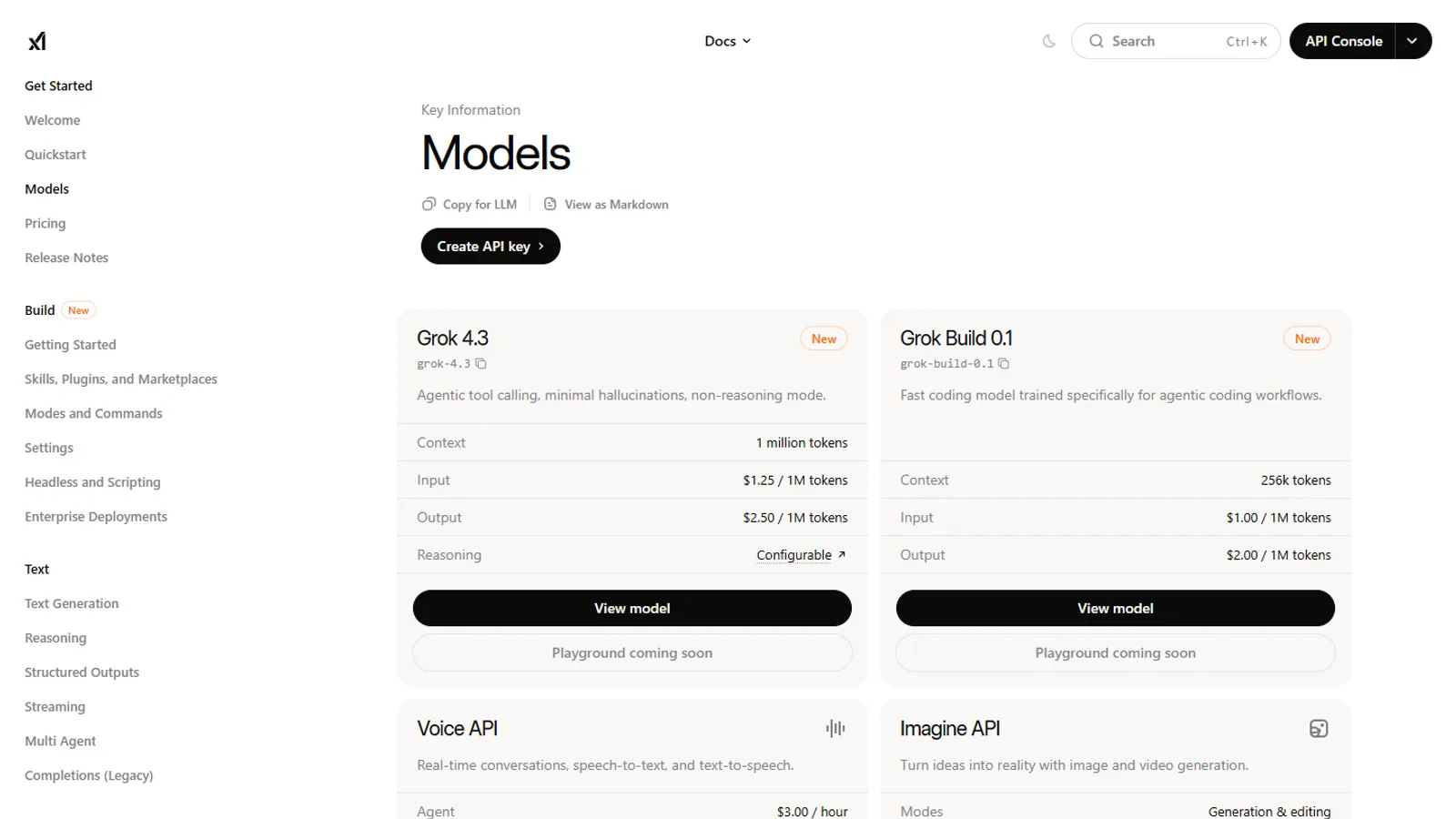
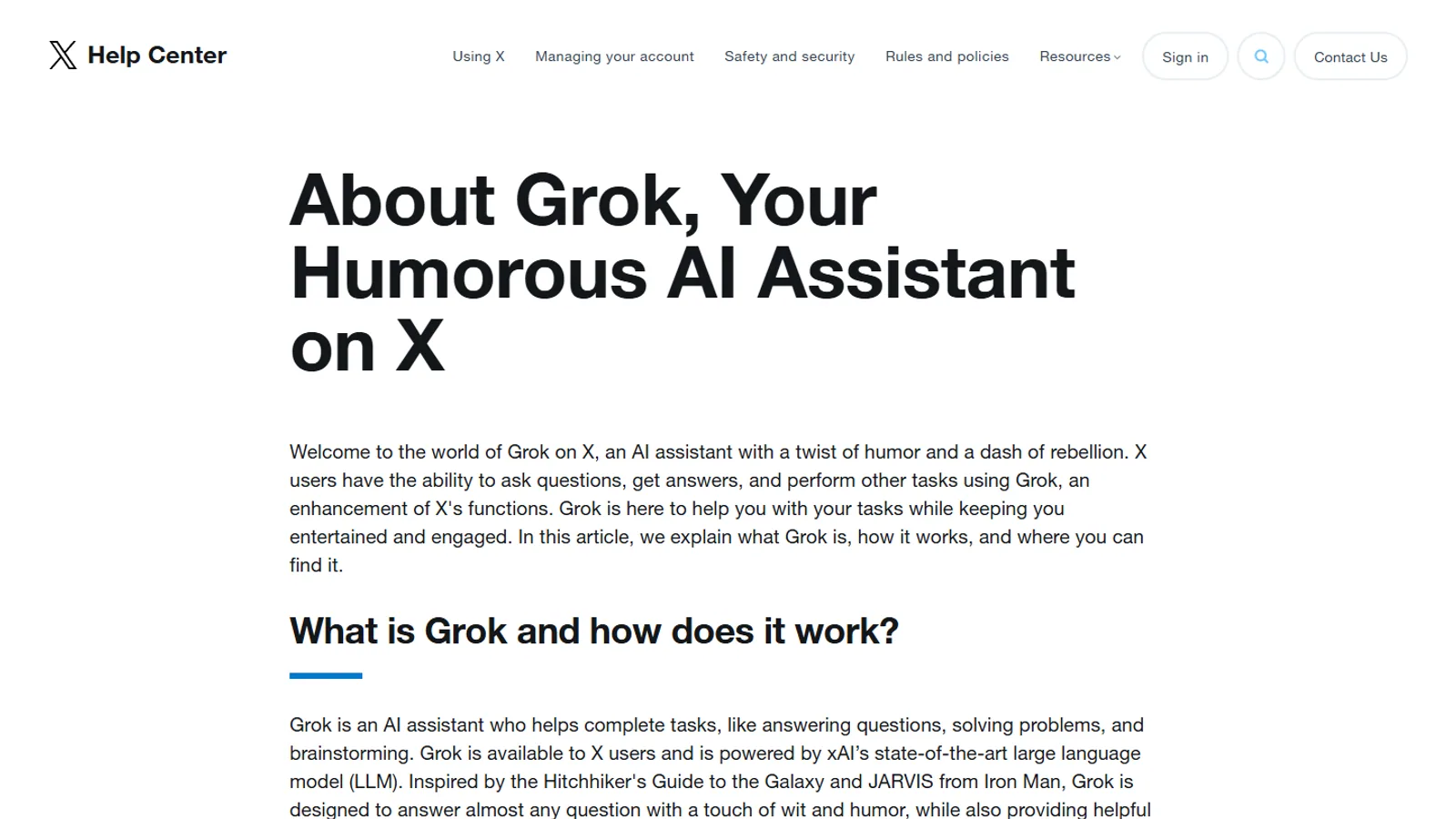
Many Grok questions do not fit neatly into one article type. A reader comparing plans may also need a privacy page. A reader watching an xAI announcement may need a guide that explains how the update affects an app or account. Topic hubs keep those paths together.
What belongs in a hub
A useful hub includes the best starting article, the source pages to verify, the most common reader questions, and the related pages that answer the next decision. It does not need a new page for every phrase or every small wording change.
Where to start
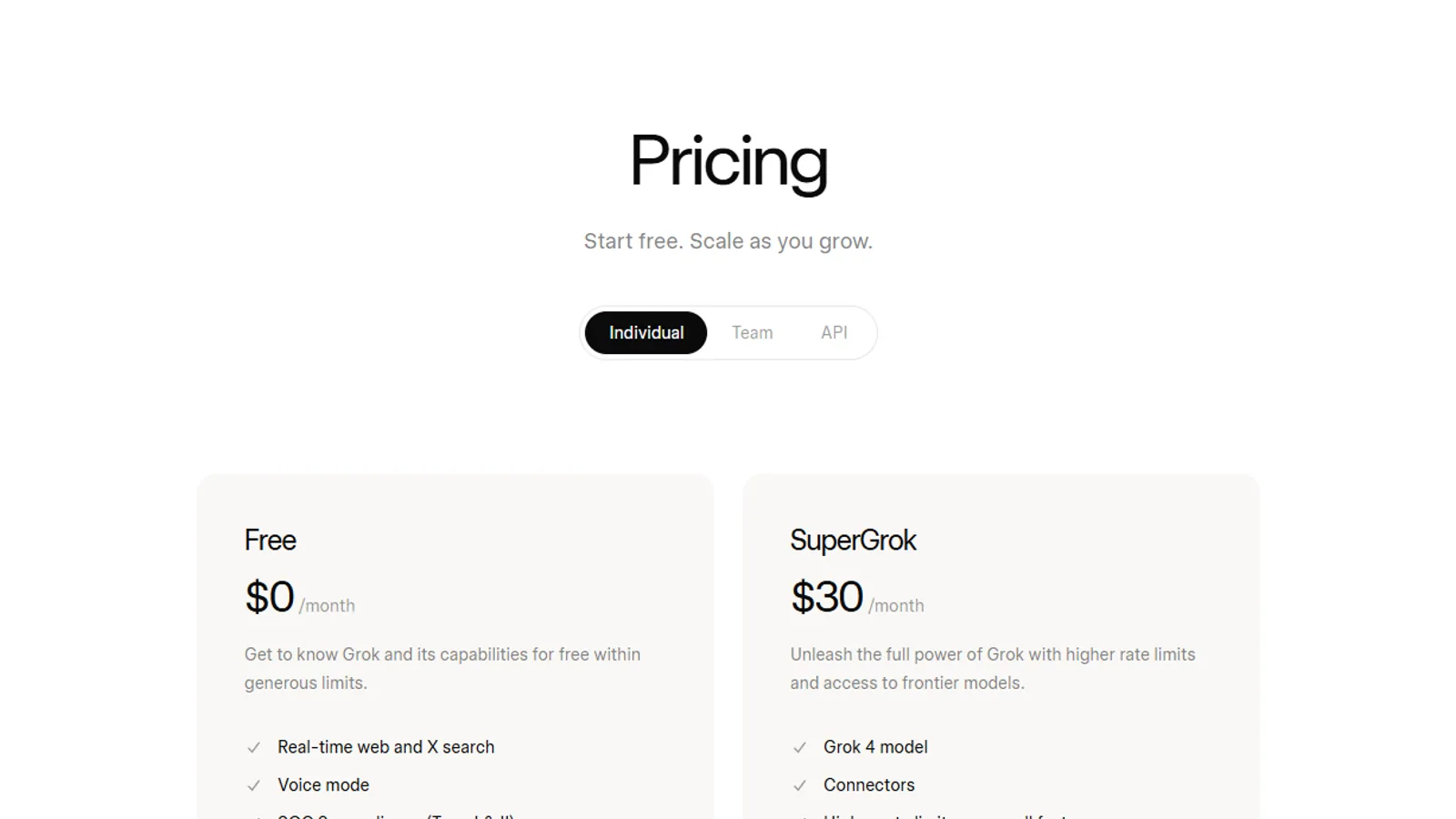
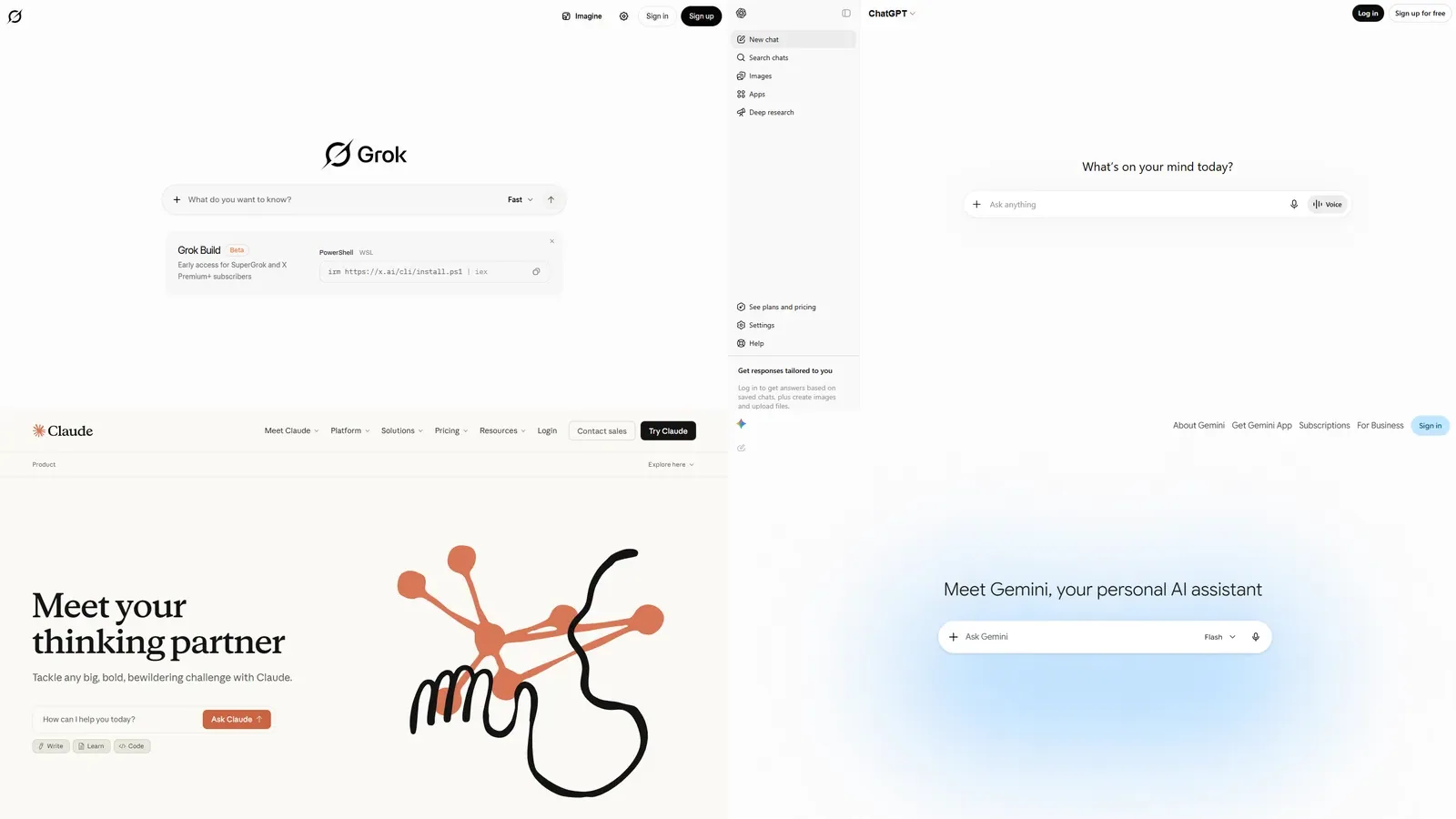
New readers should begin with the plans hub or the AI comparisons hub. Creators should use the Grok Imagine hub. Readers following xAI releases should use the news hub, then open any linked guide that explains the practical impact.
Why these hubs are intentionally limited
SuperGrok.tech does not need a separate public page for every small wording variation. The better reader experience is a smaller set of durable hubs that can be updated when official pages change. Each hub is broad enough to answer a complete task and narrow enough to keep the next step obvious.
How hubs support decisions
A plan hub helps readers understand payment choices. A creator hub helps readers turn visual ideas into better prompts. A comparison hub helps readers test their own work across assistants. A news hub helps readers separate a dated announcement from a practical next step. A privacy hub helps readers check account controls before sharing sensitive context.
How to verify a hub answer
Start with the recommended reading order, then open the official source links shown on the topic page. If your account, region, app version, or team setup differs from the example, use the official page and your own account screen as the final check before changing a subscription or workflow.