
News

xAI and Grok news timeline

News readers need dates, source links, and a clear line between an official announcement and interpretation. This hub organizes Grok and xAI updates around what changed, who is affected, and what to check next.

Start with the main guide
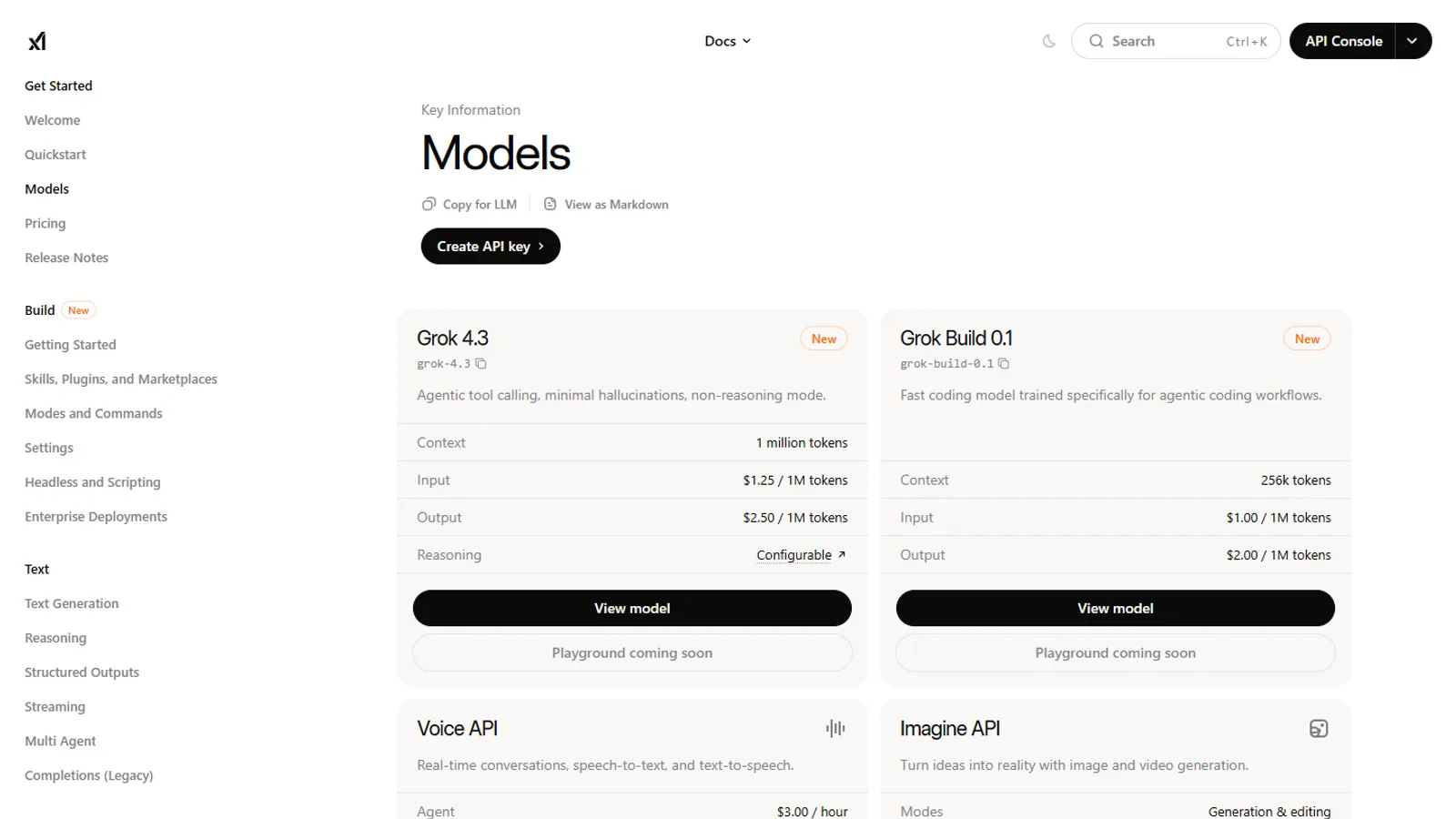
Official xAI model documentation shown on desktop
SuperGrok.tech source imageSource

Reader questions

Use this hub when you need one of these answers.

Each question points to a guide, comparison, source page, or next account check instead of ending with a generic summary.

News

What changed in the latest Grok or xAI update?

News

Does the update affect consumer users, developers, or teams?

News

Which official page confirms the model or product change?

News

What guide should I read after the announcement?

Recommended reading

Read these pages in order.

Start with the broadest explanation, then open the comparison, privacy, news, or plan page that matches your next decision.

Use dated updates

A Grok update can affect plans, apps, developer models, or X integration. The news timeline keeps dates visible so readers know whether a claim is current or part of an older rollout.

Map each update to a reader task

An announcement is useful when it explains what a reader should do next. News pages link into guides, comparisons, and official source pages instead of ending with a generic summary.

Watch developer and consumer surfaces separately

xAI developer model updates are not always the same as consumer Grok app updates. This hub keeps API, plan, and product claims separated so readers can verify the right source.

Privacy options