
Settings

Grok on X privacy and account settings

Readers using Grok through X often want a direct answer about privacy, settings, and safer use. This hub keeps those questions close to official X Help sources and practical examples.

Start with the main guide
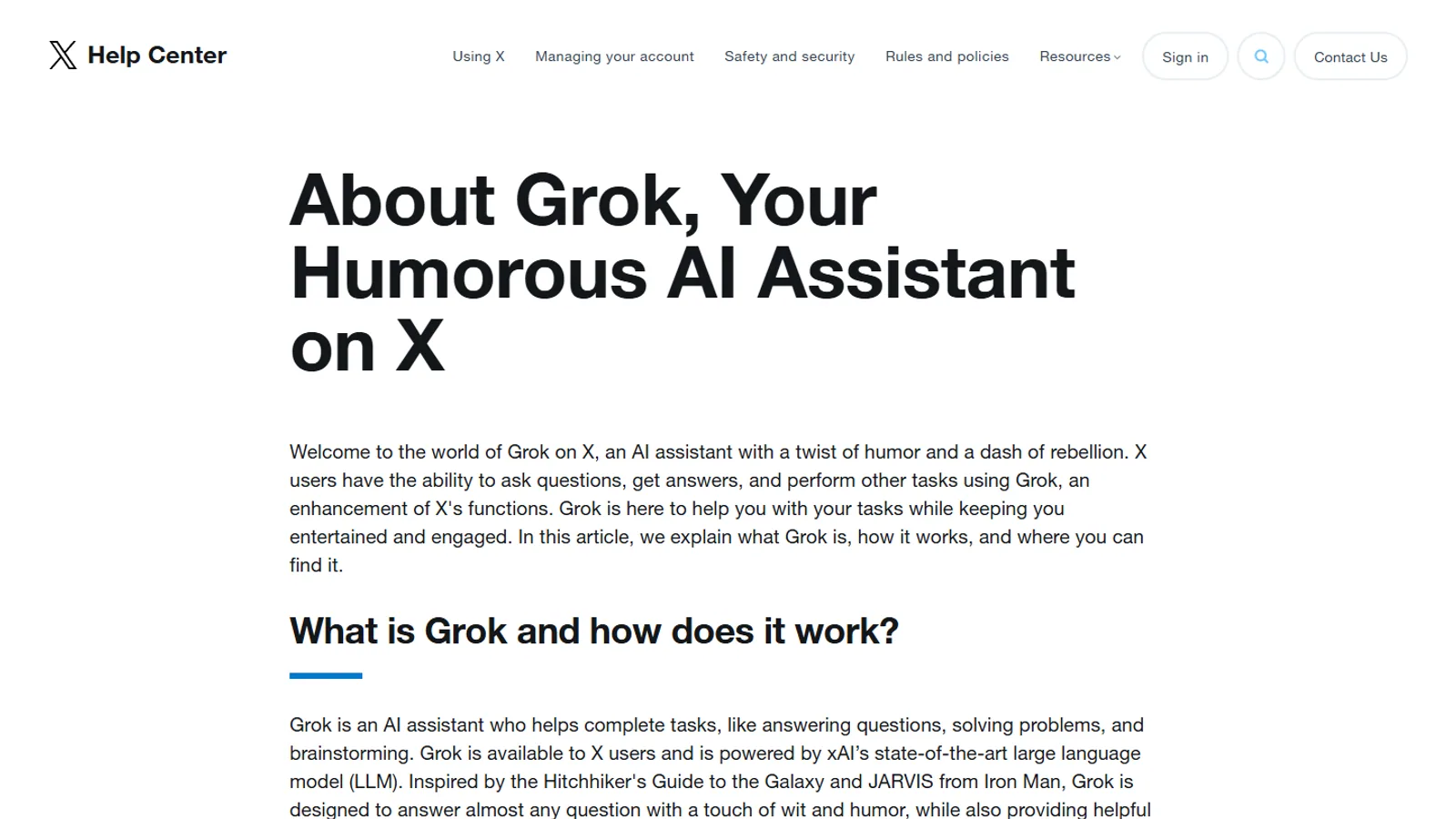
Official X Help page about Grok shown on desktop
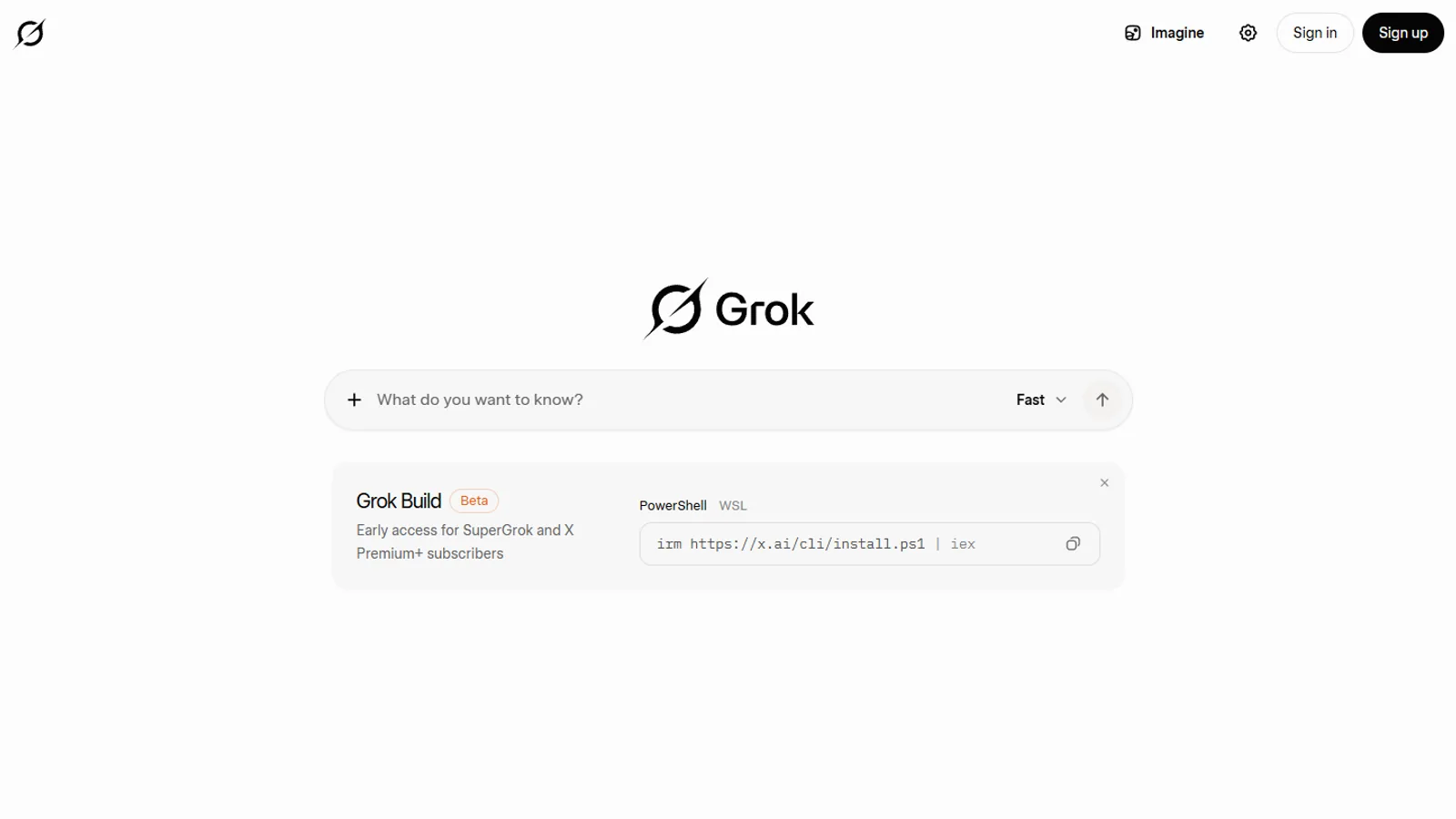
SuperGrok.tech source imageSource

Reader questions

Use this hub when you need one of these answers.

Each question points to a guide, comparison, source page, or next account check instead of ending with a generic summary.

Settings

Where do I check Grok settings inside X?

Settings

What should I avoid putting into prompts?

Settings

How is Grok on X different from using grok.com?

Settings

What should teams tell employees before using AI assistants?

Recommended reading

Read these pages in order.

Start with the broadest explanation, then open the comparison, privacy, news, or plan page that matches your next decision.

Start with account controls

Before using any AI assistant with personal, work, or client context, readers should know where their account controls live and what the official help page says about data settings.

Use safer prompt habits

A privacy page should give practical examples: remove names when possible, summarize sensitive details, avoid secrets, and verify any answer that affects money, health, legal, or account decisions.

Connect privacy to comparisons

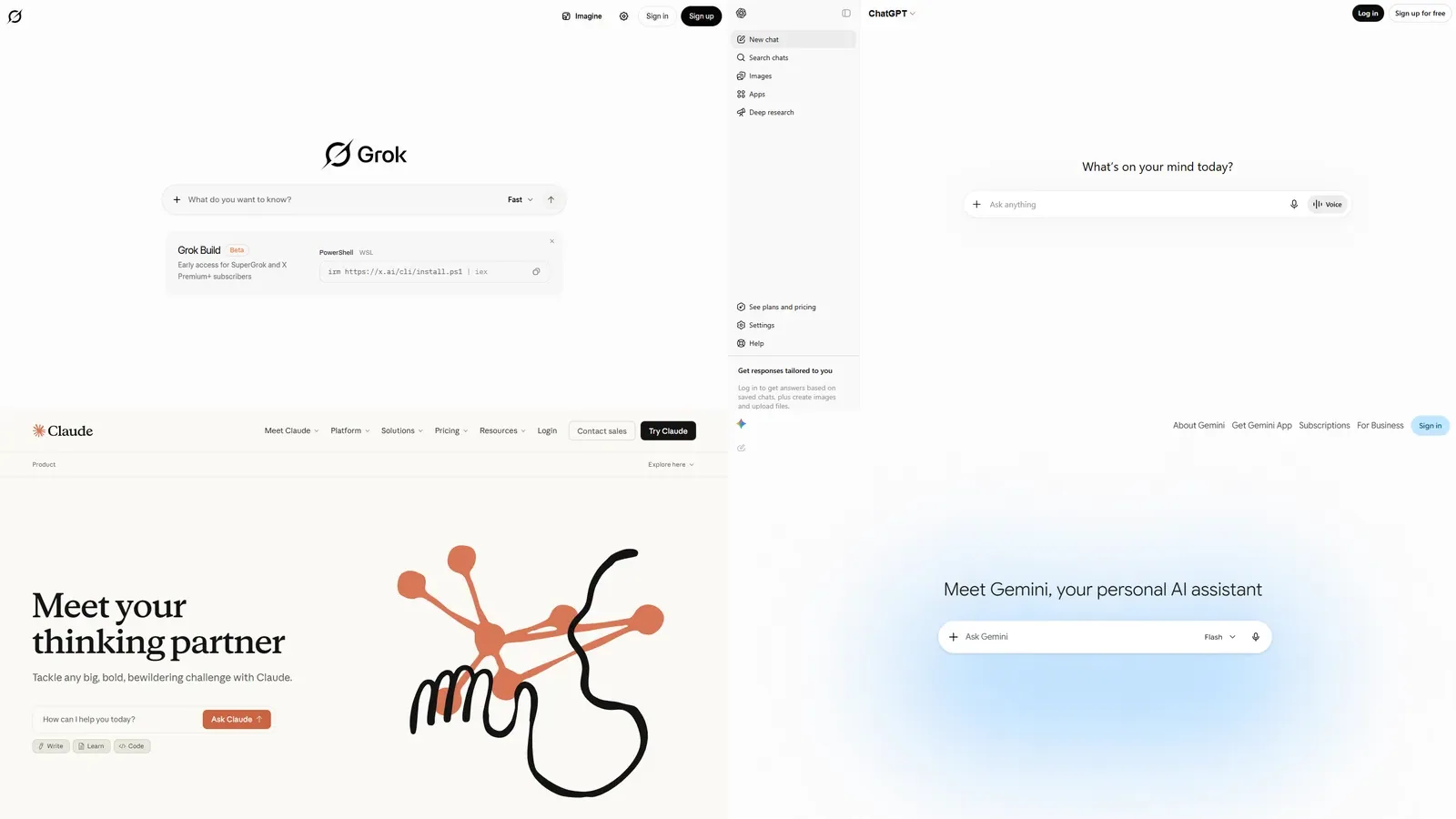
Choosing between Grok, ChatGPT, Claude, Gemini, or another assistant is partly a workflow decision and partly a trust decision. This hub links privacy guidance into the broader comparison pages.

Privacy options