
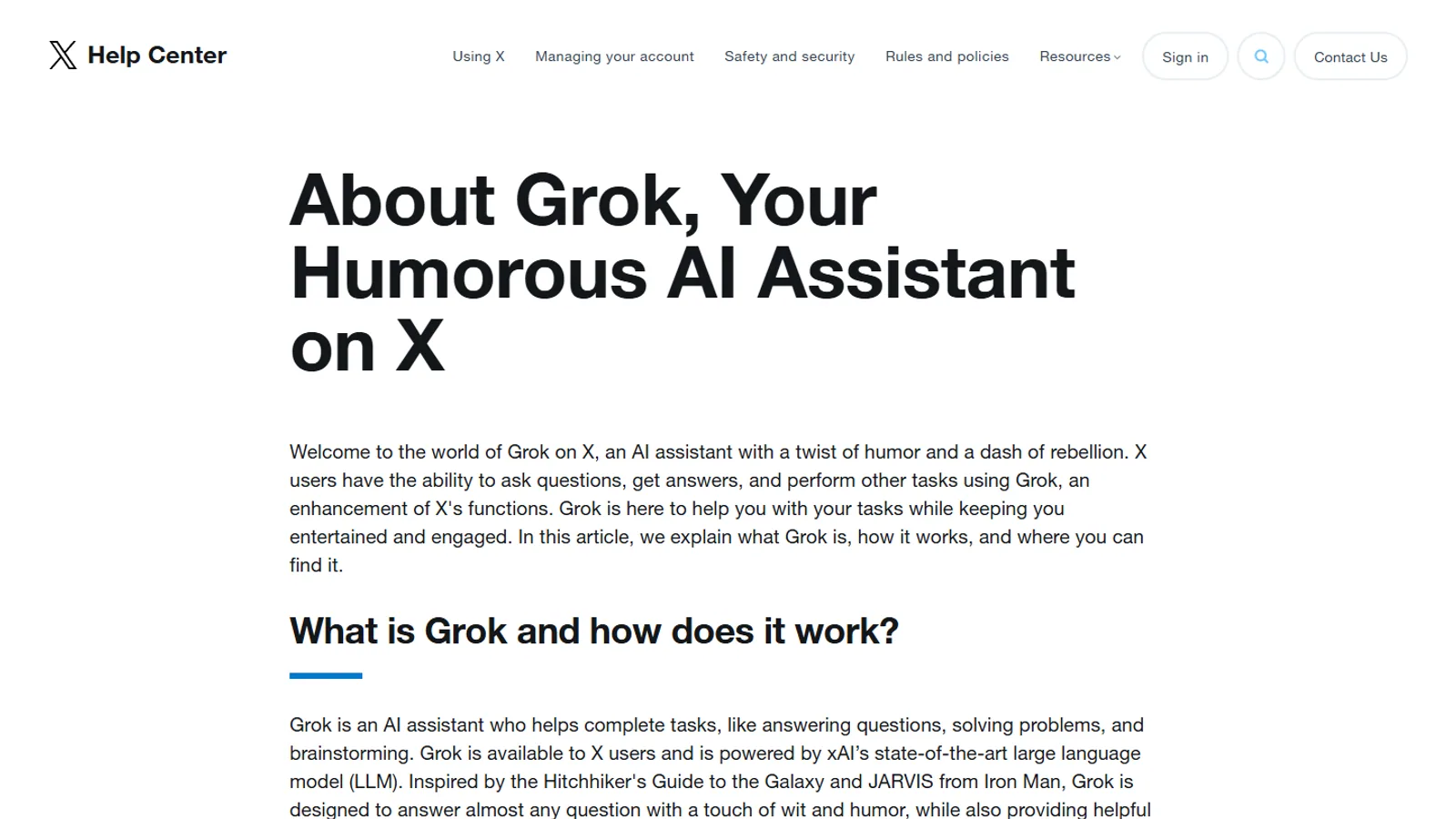
Before using Grok on X, check three sources in this order: X Help's Grok page, the X Privacy Center, and your live account settings. Trust official and live settings over social screenshots, and keep sensitive data out of account-linked prompts.
Grok on X brings AI features into an account environment that already includes posts, follows, messages, recommendations, and personalization. That makes privacy settings worth checking before you use Grok heavily on X.
This guide does not replace X Help or the X Privacy Center. It gives you a checklist for reading them carefully.
The three places to check
- X Help's page about Grok.
- The X Privacy Center.
- Your live X account settings.
If those three sources disagree with a blog post, trust the official and live account sources first.
What to look for
Data controls
Look for settings that describe how your X data may be used with Grok or related AI systems. Settings labels can change, so search the X Help page and your account settings for Grok, data sharing, personalization, and model training terms.

Deletion and history
Check whether conversation history, prompts, or account-linked interactions can be deleted. Also check whether deletion affects future use, product quality, or account-level personalization.
Premium access
X Premium and Premium+ positioning can change. If you expect Grok features through X, verify the exact Premium tier and feature description on X Help before purchase.
Practical privacy checklist
- Review Grok settings before asking sensitive questions.
- Avoid sharing passwords, financial account details, medical information, or private third-party data.
- Check whether your account has separate settings for data sharing and personalization.
- Re-check after major Grok or X Premium changes.
- Use official help pages rather than social screenshots for policy claims.
Privacy risk decision tree
Use this decision tree before pasting anything sensitive into Grok on X:
| Question | If yes | If no |
|---|---|---|
| Does the prompt include passwords, private financial data, medical details, or legal material? | Do not paste it. Use a general question instead. | Continue to the next check. |
| Does it include another person's private information? | Remove names, account numbers, addresses, and identifying detail. | Continue to the next check. |
| Is this a work, creator, or brand account? | Check organization or brand rules before using account context. | Continue to the next check. |
| Could a public summary answer the question? | Ask for a framework instead of pasting the raw material. | Continue only if the data is low risk. |
| Have you checked X Help and live settings recently? | Use your current preference. | Check before using Grok heavily. |
This is not legal, medical, or security advice. It is a practical filter for everyday AI use. If the material would create harm if copied to the wrong place, do not paste it into an account-linked AI surface.
Questions to ask before using Grok on X
Grok on X can be useful because it sits near public conversation, account context, and fast-moving topics. That convenience is also why settings deserve attention.
Ask yourself:
- Am I using a personal account, work account, or brand account?
- Would I be comfortable if this prompt were tied to that account context?
- Do I understand where Grok history and account settings live?
- Have I checked X Help recently, not just an old article?
- Do I need to use Grok on X, or would the standalone Grok experience be cleaner for this task?
These questions are not meant to scare readers away. They help match the product surface to the task. A public-topic question about a trend on X is different from a private draft, contract, internal note, or customer issue.
Personal, creator, and business accounts
People use X accounts in different ways. A personal account may contain casual interests, direct messages, follows, and old posts. A creator account may include audience strategy, drafts, and brand relationships. A business account may involve team access and customer-facing communication.
If Grok is available on any of those accounts, the account type should influence how you use it.
For personal accounts, check comfort level and data controls.
For creator accounts, be careful with unreleased work, private audience plans, and sensitive business context.
For business accounts, do not paste confidential customer, employee, legal, or financial information unless your organization has reviewed the tool and settings.
What settings can and cannot do
Settings can help you control some product behavior, but they do not turn an online AI product into an offline private notebook. The safest assumption is that sensitive data should stay out unless official documentation and your own risk tolerance support the use case.
Settings also change. A guide can point you to the right places, but it cannot guarantee that every label in your account will match forever. If the setting name changes, search X Help for the current wording.
Account-by-account review
If you manage more than one X account, review each account separately. A personal account, creator account, brand account, and work account can have different risk levels even when the visible settings look similar.
For a personal account, the main question is comfort: are you okay with the account context connected to the way you use Grok?
For a creator account, the main question is unpublished work: are you pasting audience plans, drafts, sponsor notes, or private messages that should stay outside an AI prompt?
For a work account, the main question is policy: has the organization approved the tool, the account, and the kind of data being entered?
Write down the account you checked and the date. That small habit helps when X or xAI changes a setting name later.
Account settings audit template
Use this template when reviewing Grok on X settings:
| Field | What to write |
|---|---|
| Account checked | Personal, creator, brand, work, or other |
| Date checked | The date you reviewed settings |
| Source checked | X Help, X Privacy Center, live settings |
| Grok setting location | Where you found the relevant setting |
| Data sharing preference | Your selected preference |
| History or deletion note | What the page or settings say about history |
| Follow-up date | When you want to re-check |
This template is useful because product wording changes. A simple record lets you compare your current setting against future help-page language without relying on memory.
Settings wording to read slowly
When you review X Help or live settings, slow down around words that describe scope. Look for terms such as account, post, conversation, history, personalization, training, improve, share, delete, and manage. Those words often explain whether a setting applies to future activity, past activity, one product surface, or a broader account feature.
Do not assume that turning off one setting answers every privacy question. One setting may affect product improvement. Another may affect history. Another may affect personalization. The exact labels can change, which is why the official page and live settings matter more than a copied screenshot.
If a setting is unclear, avoid sensitive prompts until you understand it. A general prompt can often answer the same question without using private material.
How to review an update
When X or xAI announces a Grok change, review three things:
- Did availability change for your region or account type?
- Did the setting location change?
- Did the wording around data use or history change?
If the answer is yes to any of those, re-check your preferences before returning to normal use.
Where SuperGrok fits
SuperGrok and Grok on X are related through the Grok ecosystem, but they are not the same setting surface. A standalone Grok plan decision is about access and capacity. A Grok-on-X privacy decision is about account data and settings.
If you use both, review both official purchase terms and X account controls.
A safer prompt habit
Use a simple rule: reduce identifying detail before pasting. Replace real names with roles, remove account numbers, omit private addresses, and summarize sensitive context instead of copying raw material.
For example, instead of pasting a private message thread, ask for a general framework for responding to a customer complaint. Instead of pasting a contract, ask what categories of terms a reader should review with a qualified professional.
This habit works across Grok, ChatGPT, Claude, Gemini, and other tools. It is especially useful on account-linked surfaces where convenience can make people less cautious.
Practical examples
Safer: "Give me a framework for replying to a customer who is upset about a delayed shipment." Riskier: pasting the full customer message with name, order number, address, and private history.
Safer: "What questions should I ask before choosing an AI subscription for a small team?" Riskier: pasting internal budget notes, employee names, and private procurement messages.
Safer: "Summarize the public arguments for and against this policy." Riskier: asking Grok to process private legal, medical, or financial documents without checking whether the tool and account settings fit that risk.
The point is not to avoid Grok. The point is to match the product surface to the sensitivity of the prompt.
Redaction examples before you prompt
If you want help with a private message, replace names with roles. "My manager said..." is usually safer than a full name and copied thread.
If you want help with a billing dispute, remove account numbers, addresses, payment details, and exact order identifiers. Ask for a response framework instead of pasting the entire record.
If you want help summarizing a document, ask what categories to review. For example: "What sections should a small business owner review in a software contract?" is safer than pasting the contract and asking for a conclusion.
If you want help with a health, legal, or financial topic, keep the question general and consult a qualified professional for decisions. AI tools can explain concepts, but they should not receive more sensitive personal detail than necessary.
Good redaction keeps the useful shape of the problem while removing details that do not need to be in the prompt.
Safer prompt rewrites
Instead of: "Here is my employee's full complaint and private details. Write a reply."
Use: "An employee raised a concern about workload and communication. Give me a respectful response framework and questions I should ask before replying."
Instead of: "Here is my customer invoice and address. Explain the dispute."
Use: "A customer says they were billed incorrectly after a delayed service. What information should I review before responding?"
Instead of: "Here is my private medical note. What should I do?"
Use: "Explain common questions someone should ask a qualified professional about this type of issue."
These rewrites keep the task useful while reducing unnecessary exposure. They also work across Grok, ChatGPT, Claude, Gemini, and other AI tools.
When in doubt, ask for a checklist or framework instead of pasting raw material.
What to do if you already shared sensitive data
If you already pasted something sensitive, do not panic, but do act deliberately.
First, stop sharing more detail in the same conversation. Second, check the official help page and live settings for history, deletion, and data controls. Third, delete conversation history if the product surface allows it and that matches your preference. Fourth, change any password, token, or credential that was pasted. Fifth, tell the appropriate person or organization if the shared data belonged to work, a customer, or another person.
For future prompts, use the redaction habit above. The goal is to turn a mistake into a safer workflow.
What to do after changing settings
After changing a Grok or X privacy setting, do not assume the change answered every question. Check whether the setting affects future activity, past activity, conversation history, personalization, or only one product surface.
Then make a note of when you changed it. If you later read about a new Grok feature, you can return to X Help and compare the current setting language against your own preference. This simple habit is more reliable than trying to remember which toggle you changed months earlier.
If you manage more than one X account, repeat the review for each account. Settings that feel obvious on a personal account may be easy to miss on a brand or creator account.
Bottom line
Use Grok on X only after you understand the account settings around it. The safest habit is to treat privacy pages as live documents, not as facts that one article can freeze forever.
Next, read SuperGrok plans and pricing or the official links.
Questions readers ask
Can Grok settings on X change?
Yes. X can change settings names, availability, and policy text. Always verify in X Help and your account settings.
Should I use screenshots from social posts as privacy evidence?
No. Treat X Help, the Privacy Center, and your live account settings as stronger evidence than copied screenshots.
Sources checked
- About Grok on XX Help
- X Privacy CenterX
- X PremiumX Help