

Creator guides

Grok Imagine image and video guides

Image and video readers need examples, device notes, prompt planning, and safety checks. This hub keeps Grok Imagine coverage separate from general plan coverage so creators can find the exact workflow they need.

Start with the main guide
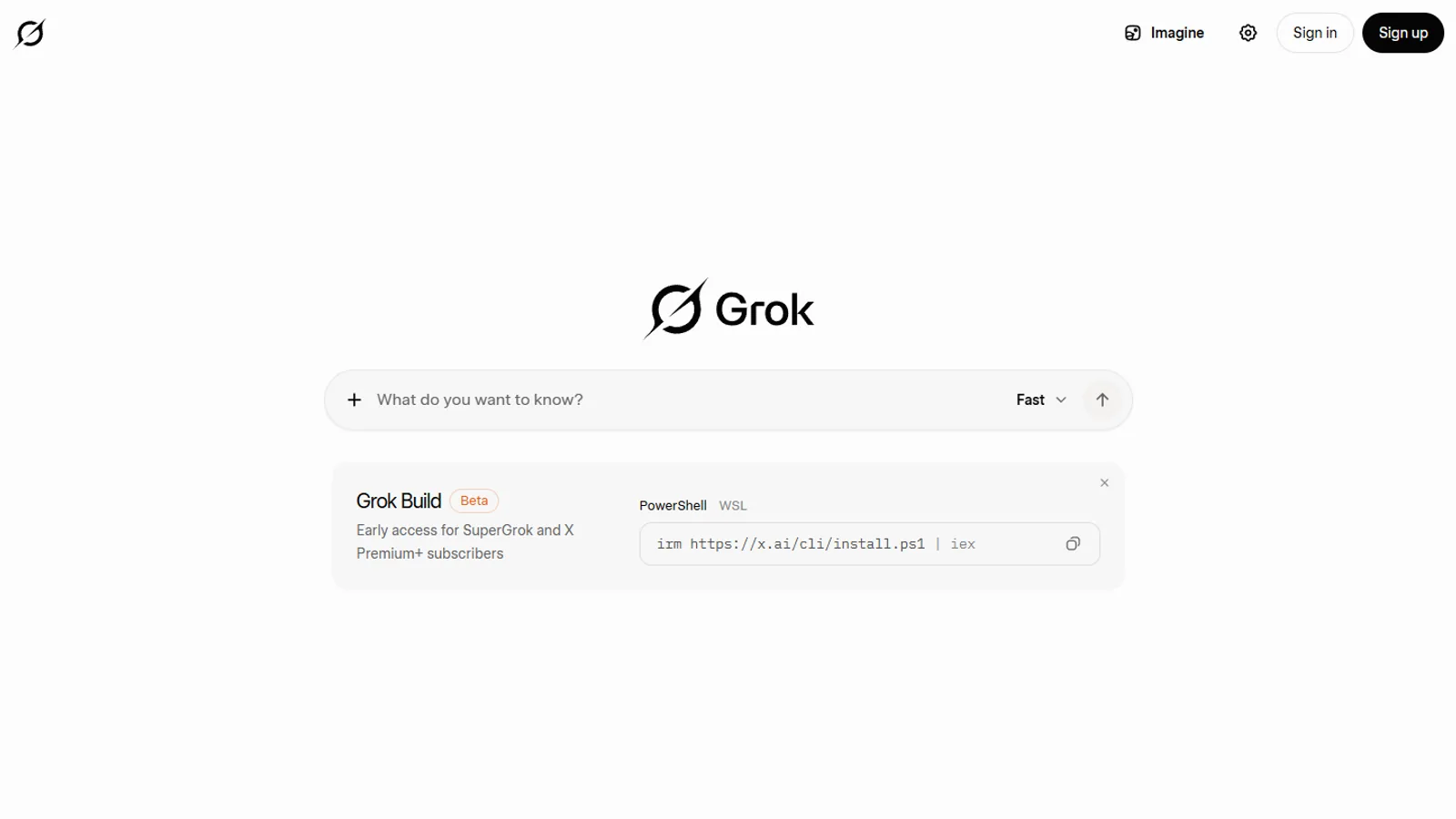
Grok Imagine official page shown on desktop
SuperGrok.tech source imageSource

Reader questions

Use this hub when you need one of these answers.

Each question points to a guide, comparison, source page, or next account check instead of ending with a generic summary.

Creator guides

How do I write a useful Grok Imagine prompt?

Creator guides

What should I check before making an image or video request?

Creator guides

How do I avoid confusing app screenshots with model capability claims?

Creator guides

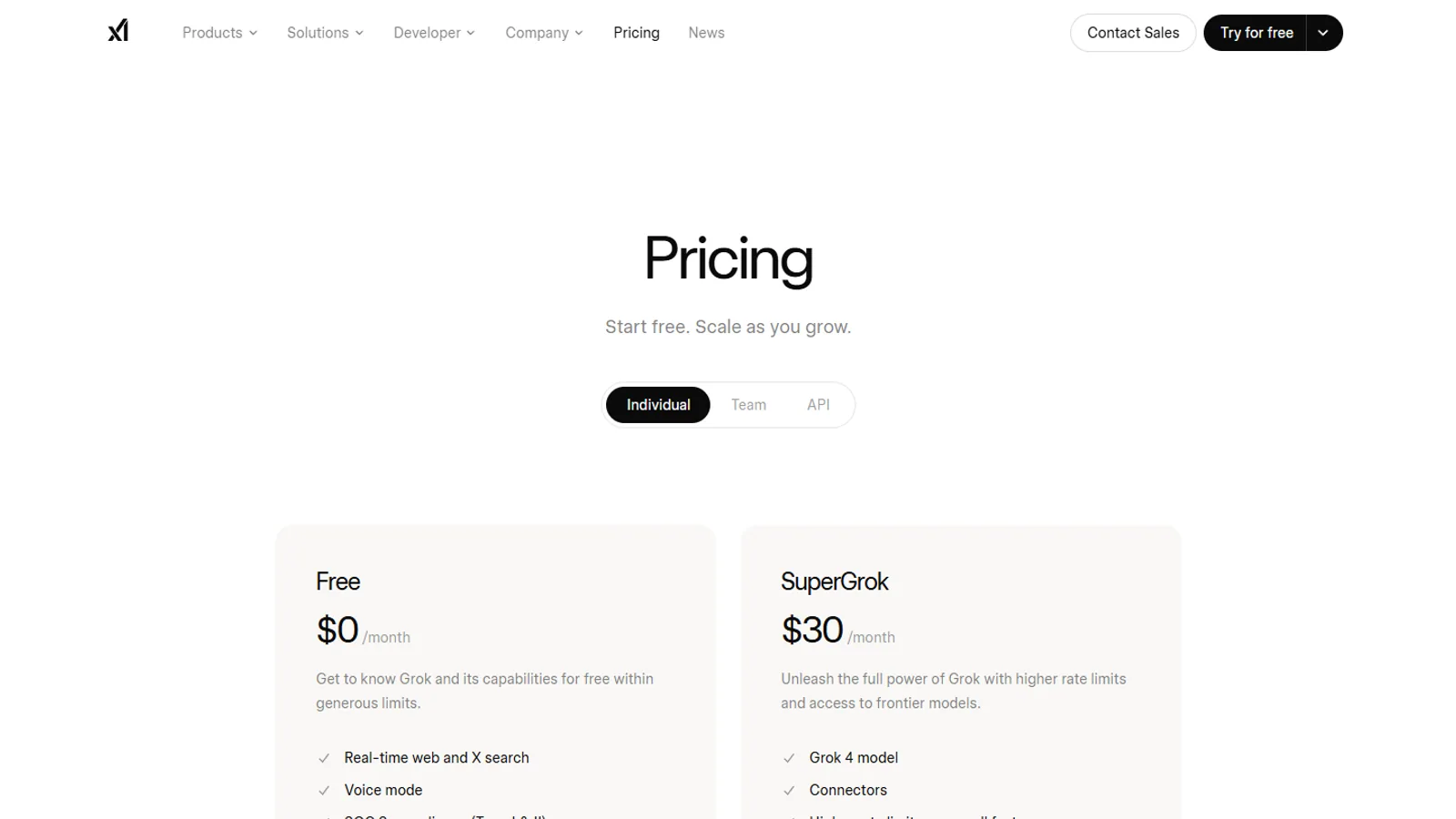
Which plan or surface should I verify before relying on Imagine?

Recommended reading

Read these pages in order.

Start with the broadest explanation, then open the comparison, privacy, news, or plan page that matches your next decision.

Plan the output before the prompt

A useful visual request names the subject, setting, framing, motion, style references, and constraints. The Imagine guide turns rough ideas into prompts that are easier to test, revise, and verify.

Use examples, not feature lists

Creators do not benefit from a generic list of buttons. They need scenarios such as product mockups, thumbnails, short clips, scene variations, and prompt repair when a result misses the target.

Verify availability on the exact account

Visual tools can vary by app version, device, account type, and rollout. This hub points readers to official Grok and xAI pages before they make a production workflow depend on a feature.

Privacy options